Living in focus.
See what matters, track what changes, and keep your day moving forward. Livoi helps you understand your patterns, organize your priorities, and make room for better choices.
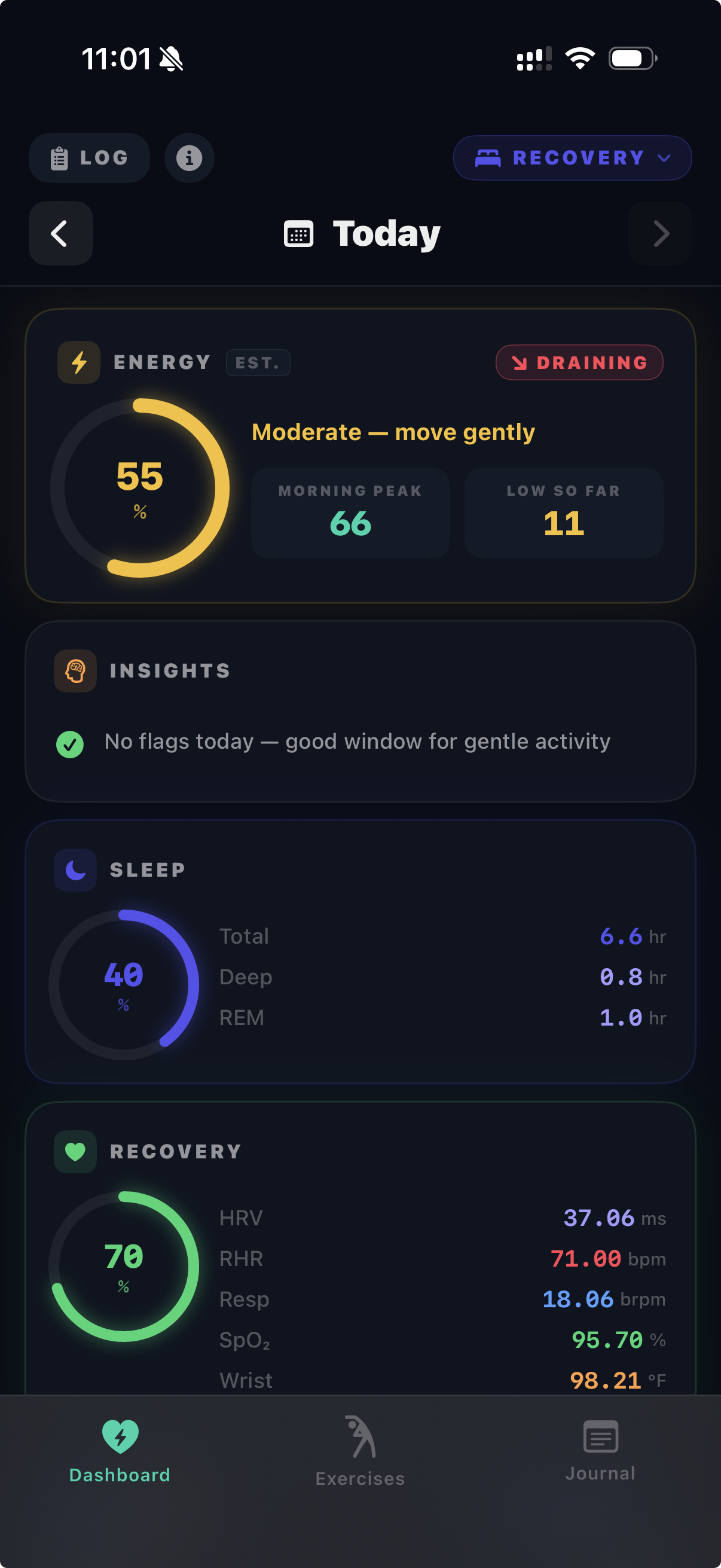
Track what matters
Bring your priorities, routines, and personal signals into one place.
See new insights
Notice patterns over time and understand what they mean for your day.
Get gentle nudges
Stay on track with simple prompts that help you act at the right moment.
Keep moving forward
Turn small actions into meaningful progress, one day at a time.
Livoi: living in focus
Track what matters, understand your patterns, and move through your day with clarity.
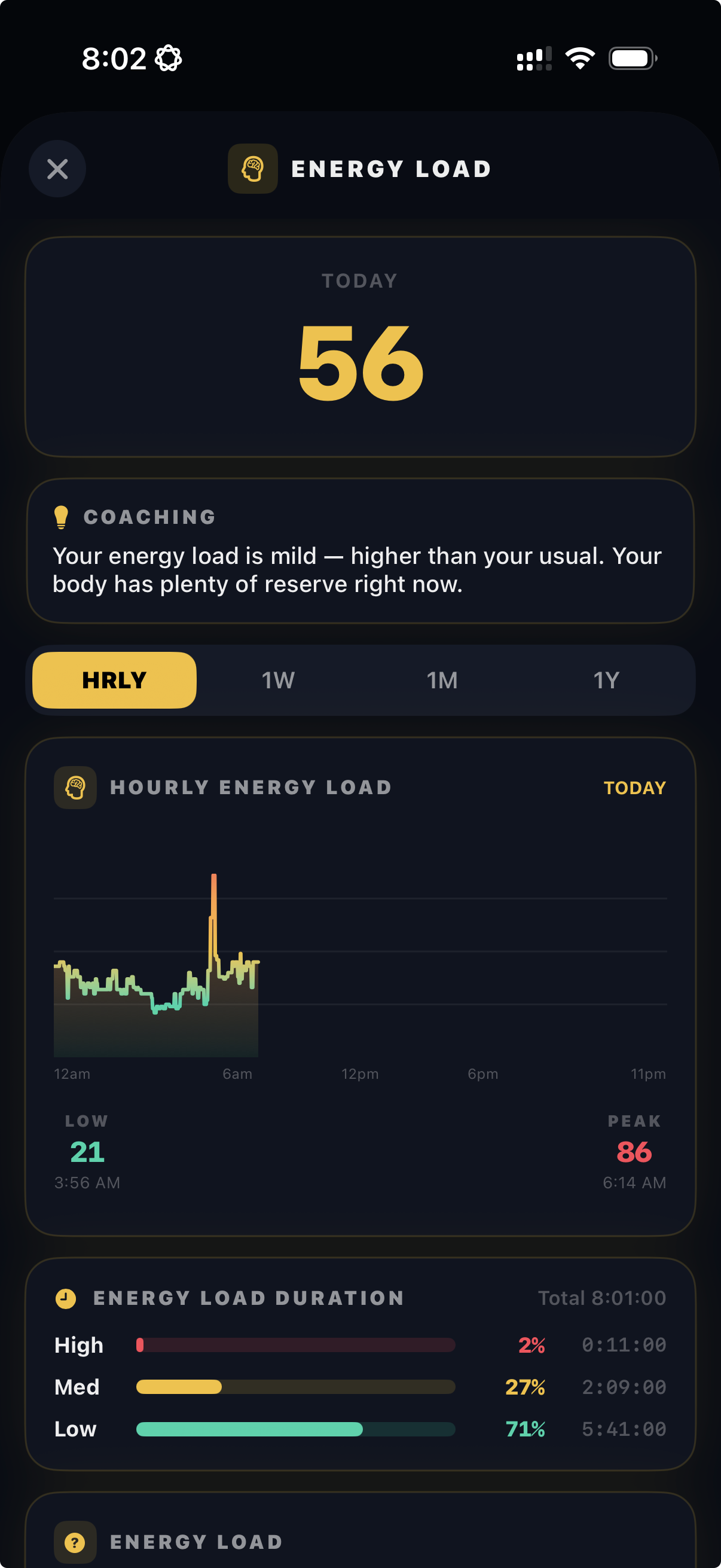
Follow signals
Keep an eye on the signals that matter to you.
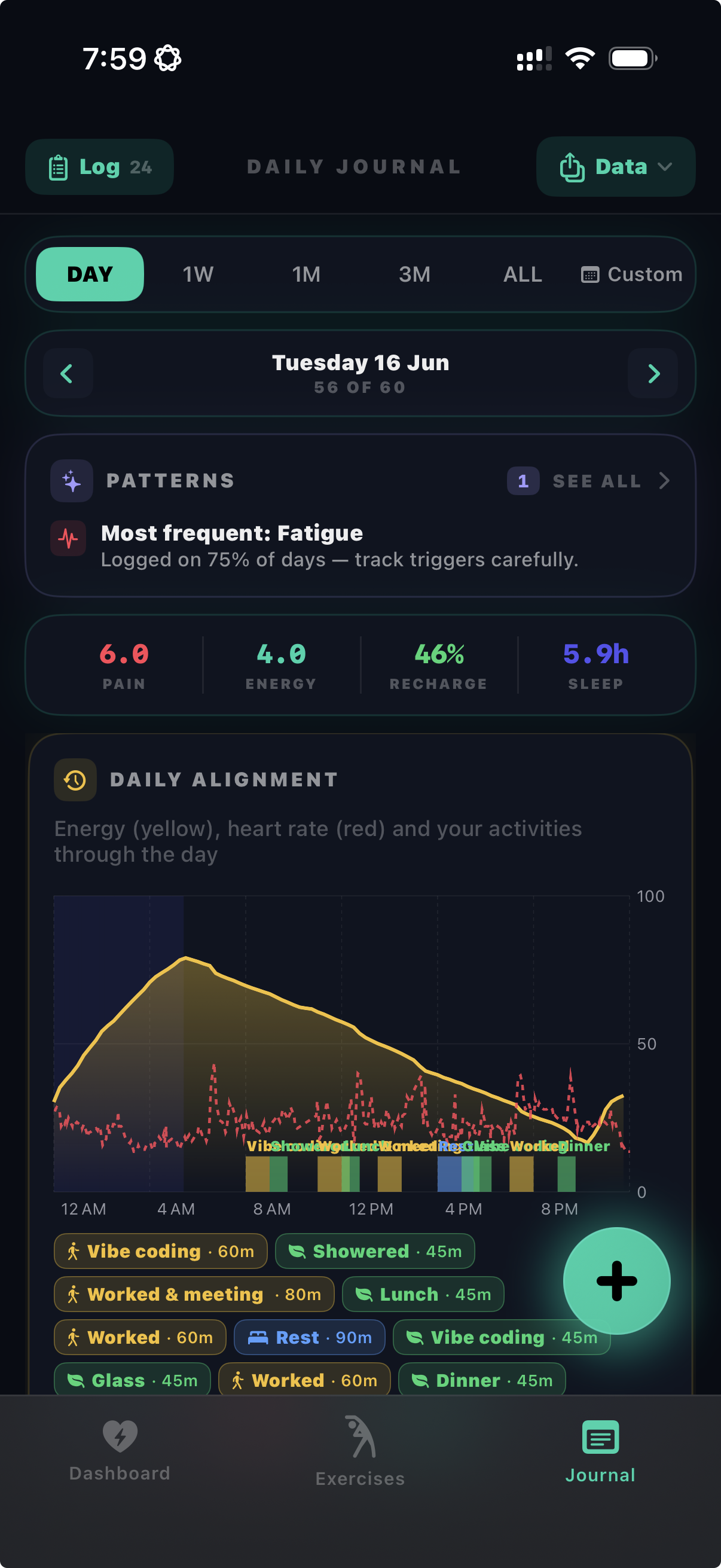
Keep track
Keep track of goals, habits, and daily priorities.
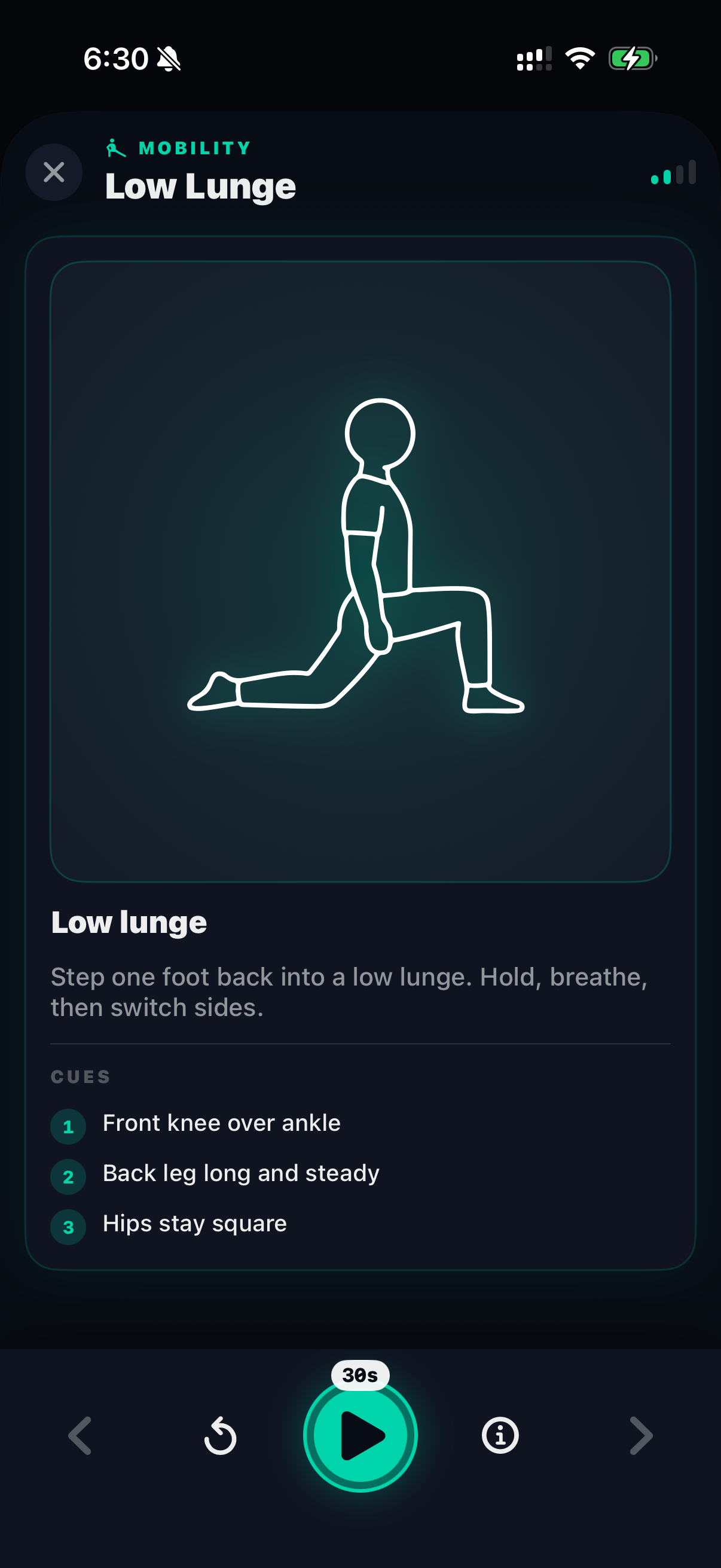
Build routines
Build simple routines into your day to stay focused on what's next.
Why use Livoi?
Apple Health is great at collecting information. Livoi offers a quieter, simpler way to glance at some of it alongside your own notes and routines.
Less clutter
Instead of opening multiple places in Health and notes, you get one small home base for daily check-ins.
Small daily rhythm
Glance at your dashboard, write one line, do one stretch. That is the intended pace.
Built for privacy
Livoi avoids accounts, tracking, and cloud storage so using it can stay low-pressure and personal.
How your data works.
Livoi is intentionally simple about privacy. Here is the short version.
FAQ.
Do I need an Apple Watch?
Where is my data stored?
How is this different from Apple Health?
How do I move my journal to a new phone?
Is there a subscription?
Is Livoi a medical app?
About Livoi.
Livoi is a small independent app by Laura at RedFrontDoor. It was made as a clearer, more private way to keep a simple daily dashboard, a personal journal, and daily routines in one place.
Questions, bug reports, or feature ideas: laura@redfrontdoor.com